
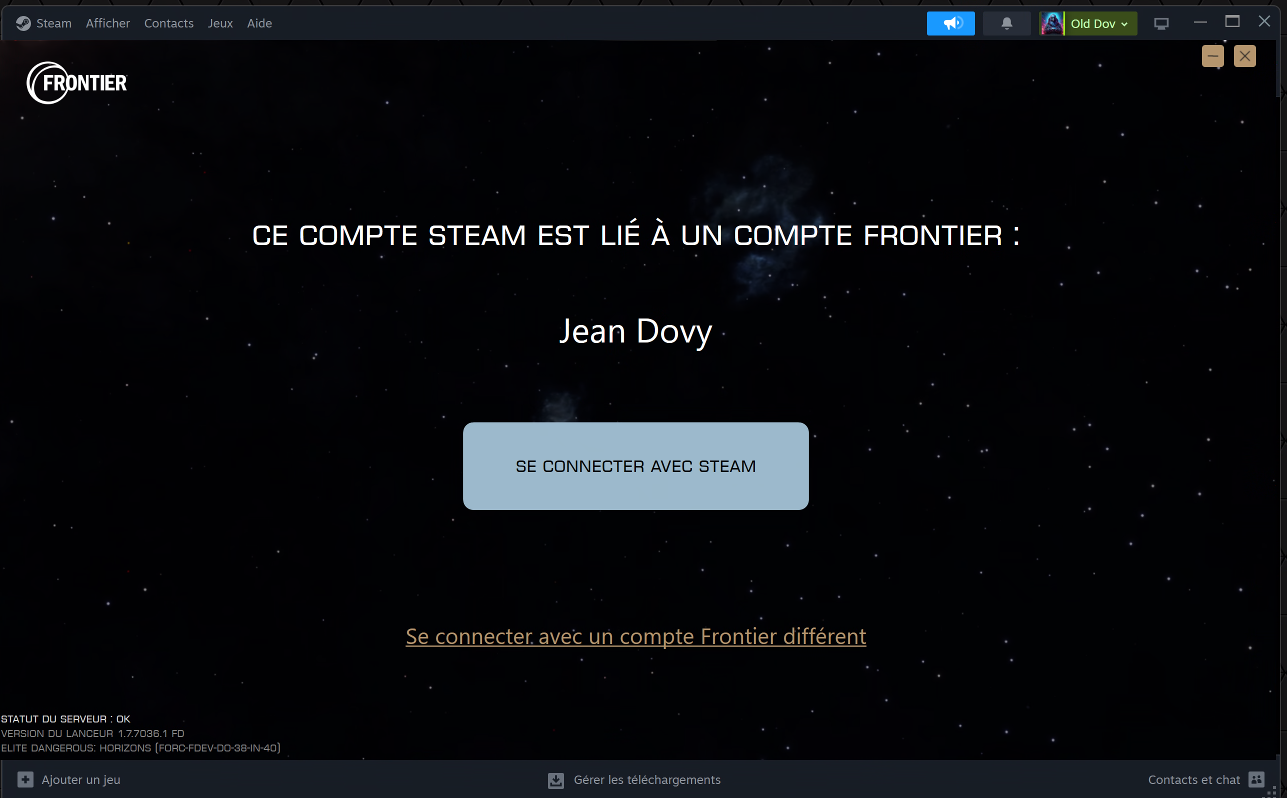
Have you just taken the plunge and migrated your Elite Dangerous Commander from your Xbox or PlayStation to PC? You launch the game via Steam or GeForce Now, everything looks green, but the moment you click "Play", it's the invisible crash.
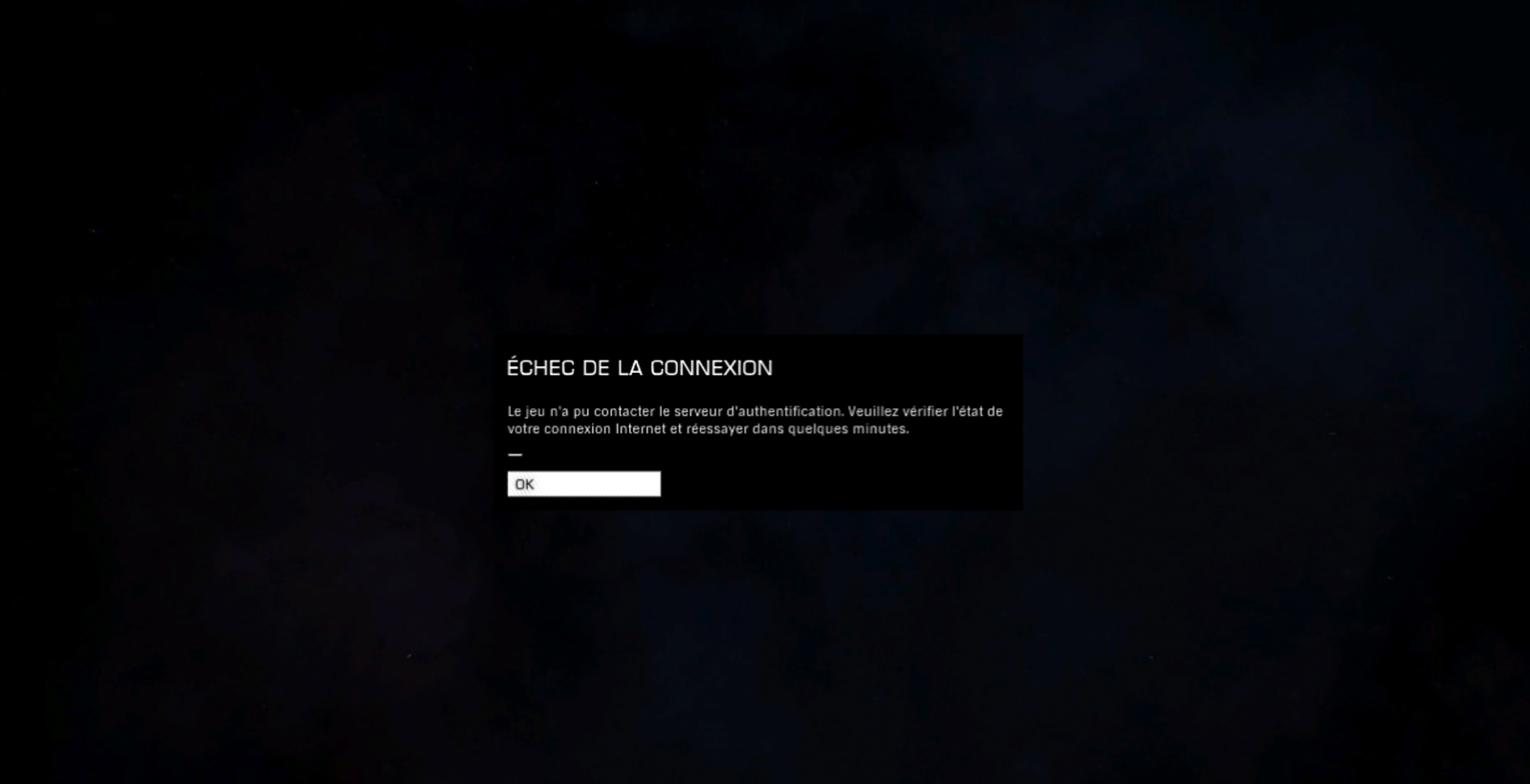
Black window, cryptic network error message: "The game could not contact the authentication server", followed by a very curt "Your account is not available at this time".
Don't panic, your internet connection has absolutely nothing to do with it. The culprit? A discreet portal from Frontier Developments that the publisher almost never promotes.
Why does the game kick you out?
When this bug occurs, every PC player's first reflex is to blame their network. People talk about a faulty MTU, blocked UDP ports, conflicts with virtual network adapters. Forget all that. If your other online games work, your PC is not at fault.
The reality is simpler: to transfer your credits, ships and ranks from console to PC, Frontier's servers must duplicate your save. During this operation, Frontier deliberately freezes your account to avoid any data corruption.
The rejection at launch is a temporary security lock, not a permanent failure.
The solution: Frontier's "ghost" portal
The real problem is that no clear progress indicator appears in the launcher. To follow your migration, you have to go through a technical back office:
👉 https://user.frontierstore.net/
Log in with the same Frontier credentials as those linked to your migration.
If you see "Copy in progress"
Your request is in the queue ("Your request is now in the queue"). The game will remain inaccessible until this step is complete.
- Don't touch anything.
- Above all, don't unlink your accounts out of frustration.
- Wait for the copy to finish.
If you see "Copy Complete"
It's the green light: the copy is finished and your data is ready on the PC side.
How to confirm takeoff
As soon as the site shows "Copy Complete", follow this procedure to avoid old cached authentication tokens:
- Fully quit the Frontier launcher.
- Restart your platform (Steam, GeForce Now) to force a clean reconnection.
- Launch Elite Dangerous.
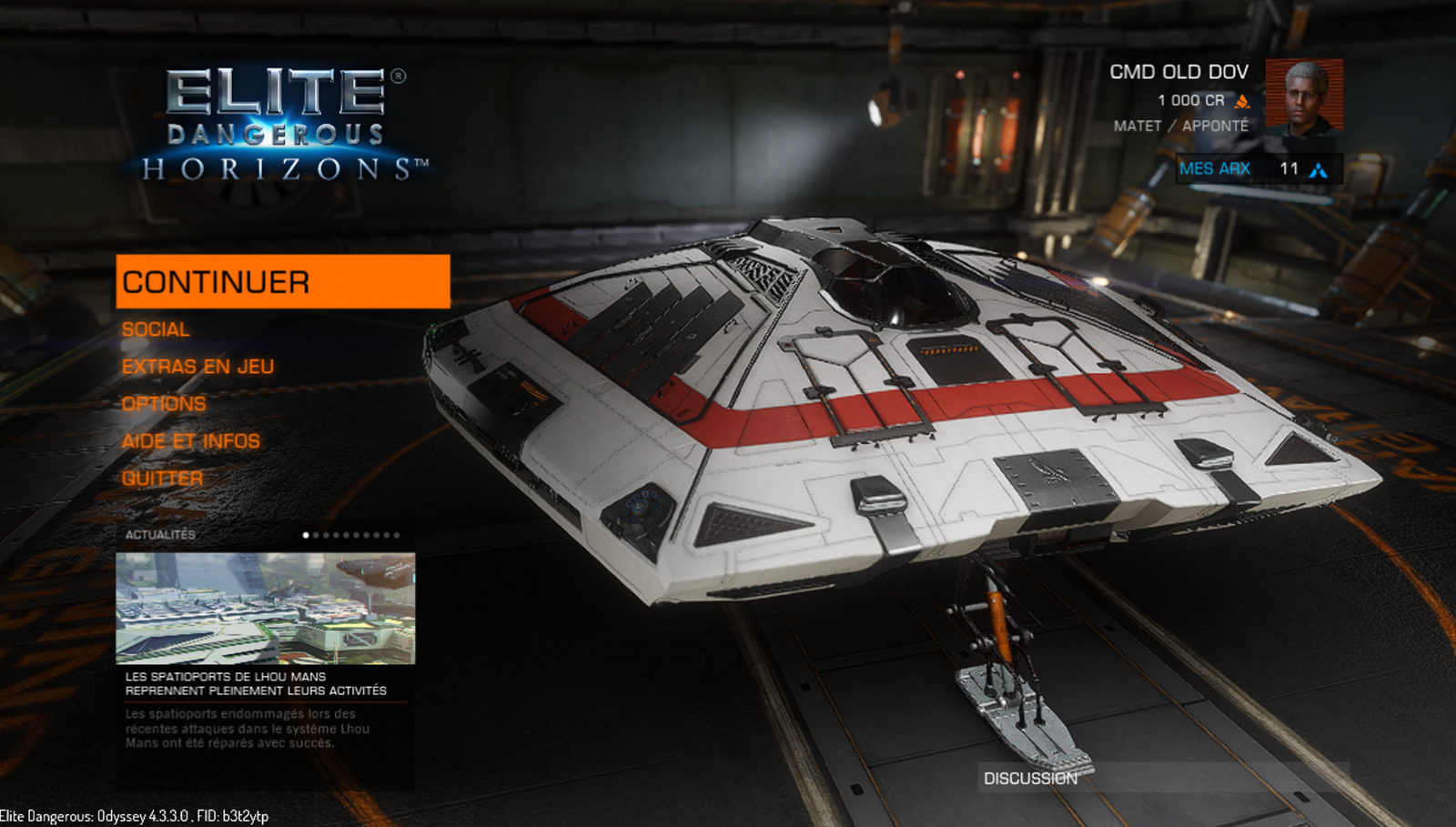
The connection to the server then works normally, and you find your Commander in the cockpit. Fly safe, Commander.